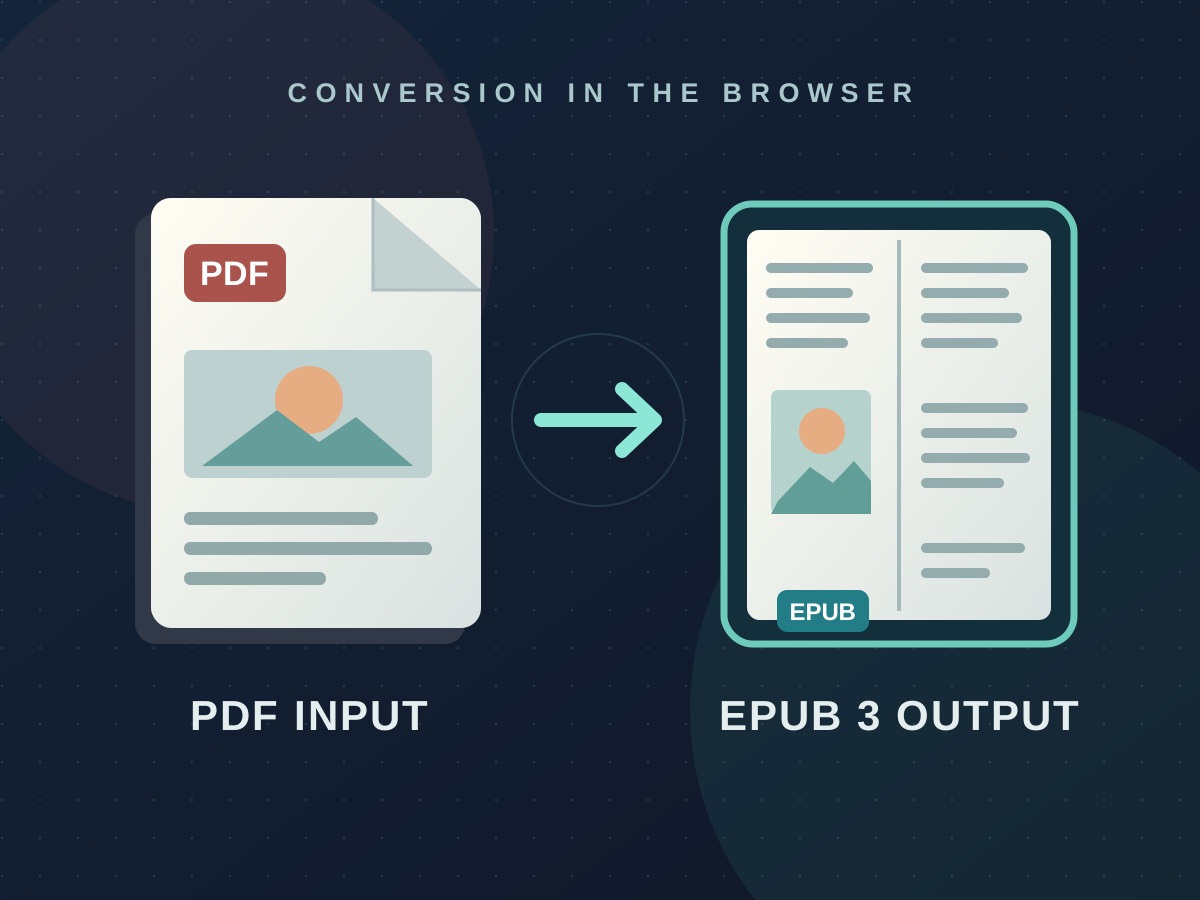
PDF → EPUB
An independent-contract project for StoryOrigin: a drop-in PDF-to-EPUB conversion module that runs entirely in the author's browser.
What It is
A drop-in JavaScript module that converts PDFs into EPUB 3 files entirely in the browser, built for StoryOrigin to fold into their existing author tooling. The core is a two-function API — convertToEpub and setWorker — that takes a PDF buffer and returns an EPUB blob, with no backend, no uploads, and no dependencies on StoryOrigin’s own infrastructure.
Why I Built This
StoryOrigin had a very specific use case for authors in the illusrated book space. They wanted to let their authors produce valid EPUBs from the PDFs they already had, with minimum friction, and guaranteeing a good quality result ready for upload to any major ebook retailer. I was brought on as an independent contractor to design and build that module.
My Goals
I had to respect the client’s requests: a self-contained module StoryOrigin’s engineers could fold into their existing codebase, 100% client-side execution to keep server costs at zero, output that renders correctly across every major retailer’s reader, and a final file under their 17MB upload cap.
The other half of the job required staying in close communication with the client, flagging trade-offs early, and being honest about what the pipeline could and couldn’t do. Every technical decision below had a conversation behind it.
Technical Decisions
A three-file core with a clean public API The converter lives in three files — converter.js orchestrates, renderer.js turns PDF pages into JPEG byte arrays, templates.js generates the XML and XHTML for the EPUB package. The public surface is two functions, convertToEpub and setWorker. Everything else is an implementation detail the integrator never has to touch.
pdf.js in a Web Worker Parsing a PDF is expensive, and doing it on the browser’s main thread would freeze the host page while the file is being chewed through. pdfjs-dist ships with a worker script, and a postinstall hook copies it into public/ so the integrator can serve it locally rather than pulling from a CDN.
JPEG, not WebP WebP and AVIF compress beautifully, but older Kindle firmware doesn’t support them and silently renders black pages. JPEG is the lowest common denominator — lossy, but universally decoded. Paired with a target-width-plus-cap scaling strategy, the quality loss is imperceptible at the page sizes readers actually use.
Non-blocking ZIP via @zip.js/zip.js Configured with its built-in worker-backed deflate codec. Without this, compressing a 17MB EPUB on the main thread locks the browser for several seconds. With it, the deflate pass runs off the main thread and the whole pipeline stays non-blocking end to end.
Adaptive per-page quality StoryOrigin caps uploads at 17MB, so each page gets a budget equal to maxEpubSize / pageCount. If a page comes in over budget, the pipeline steps through fixed quality levels (0.85 → 0.80 → … → 0.50) until it fits. Pages that fit on the first pass are never re-rendered. The hard floor at 0.50 means a single gnarly page can’t blow up the whole conversion.
Canvas reuse A single <canvas> element is created once and resized for each page. A 2000px canvas holds around 16MB of pixel data, so reusing it across a 100-page book avoids the kind of GC churn that eventually crashes a tab.
Spread format auto-detection Children’s picture books have a specific print convention: narrow cover, wide interior spreads, narrow back cover. The converter reads page dimensions (metadata only, no rendering) the moment a PDF is handed in, flags the file as spread format when it finds the 2:1 width ratio, and later splits each interior page down the middle into proper left/right halves.
Workflow Overview
PDF buffer in
convertToEpub(pdfBuffer, options)
detectSpreadFormat
reads page dimensions from PDF metadata
no rendering, runs firstRender loop
sequential, one page at a time, reused canvas
adaptive quality ladder per pageSpread split
crop canvas into left/right halves
only for spread-format booksJPEG compression
encode to Uint8Array immediately
raw pixels never held alongside encodedbuildEpub
OPF + NAV + XHTML + reset.css + Apple display-options
@zip.js/zip.js
worker-backed deflate
mimetype stored uncompressed, first entryEPUB Blob out
returned to the caller for download or upload
Biggest Challenges
Keeping memory stable on long books. A single 2000px canvas is ~16MB of pixel data. Parallelizing the render loop sounded tempting on paper and fell apart the moment I actually tried it on a 200-page book. The fix was sticking to a concurrency of one, canvas reuse across pages, and converting to a compressed Uint8Array immediately after each render so raw pixel data never stacks up alongside the encoded result. Slower on a low-end device, but it finishes instead of crashing the tab. That’s a trade-off I raised with the client up front — speed for stability — and it was the right call for the books their authors actually upload.
Reader compatibility drift. EPUB 3 has properties like page-spread-left and page-spread-right that are supposed to tell readers how to display pages. Apple Books honours them. Kindle ignores them on fixed-layout books. Kobo doesn’t officially document support. Relying on the hints alone would have meant a different-looking book on every device, so the converter goes a layer deeper and splits the images themselves. The metadata still includes the spread properties — readers that respect them get the bonus — but the EPUB is structurally correct regardless.
The mimetype trap. EPUB 3 requires the mimetype file to be the first entry in the ZIP and stored uncompressed. @zip.js/zip.js compresses everything by default. Getting this wrong produces a file that epubcheck rejects and that some readers silently refuse to open. One line of configuration, hours of debugging the first time around.
Scope that arrived mid-project. Spread-format support came up after the core pipeline was already stable. The easy answer would have been “out of scope.” The honest answer was that picture books are a big share of StoryOrigin’s fixed-layout traffic, and shipping without them would have undercut the rollout. We talked through what it would cost, agreed on a layering strategy that wouldn’t touch the existing pipeline for uniform books, and pinned down exactly where the 10% detection failure mode lived — so the client knew what they were buying, and I knew what I was committing to.
What’s Next
- Mixed-size PDF support — currently the OPF metadata uses page 1’s dimensions for every page. Per-page viewport sizes would cover the edge cases where page 1 isn’t representative.
- Batch conversion — the core is already sequential and stateless between files, so handing it a queue of PDFs and getting a queue of EPUBs back is a small wrapper on top of what’s already there.